Journal
Cloudflare Workers: Small Automations That Don't Break
For two years I had a graveyard of automations. n8n workflows, Zapier chains, dashboards I built, tested, and stopped using within weeks. Most of them died for the same reason: they ran on someone else’s platform, broke on one bad input, and when I was non-technical I couldn’t find the bug.
I’ve spent the past two weeks moving the survivors, plus a few new ones, onto Cloudflare Workers. For the first time, I’m not waiting for them to break. Here’s where it’s at.
What a Cloudflare Worker actually is
A Cloudflare Worker is a small piece of code that runs on Cloudflare’s network. You don’t rent a server. The code sits there doing nothing and costing nothing until something triggers it: a web request, or a schedule. Then it runs for a few hundred milliseconds and stops.
That last part is the whole point. There’s no machine sitting idle, racking up a bill, waiting to crash. Nothing runs unless there’s a reason for it to run.
You can wire a worker to fire on a clock, too. Cloudflare calls these cron triggers — “every morning at 7,” “every five minutes,” whatever the job needs. That one feature replaced most of what I used to build in n8n.
What I’m building at Creator Genius
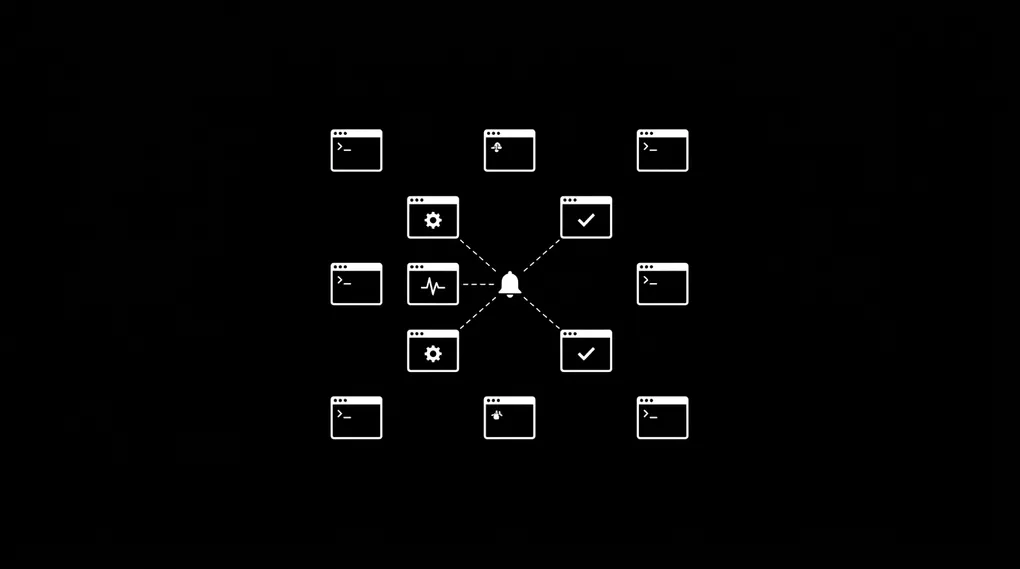
I’m building a few small workers, not one big app. Each does one job and runs on its own schedule.
- One watches our tools and pings the right channel in Slack the moment something moves. No one has to sit there refreshing a screen.
- One runs every morning and flags the accounts that need attention, straight to our customer satisfaction side, before a quiet problem turns into a loud one.
- One is an internal assistant that can answer questions across our systems. Read-only, so it can look but never touch.
None of these is a big project. Each is a small piece of code doing one job, on its own schedule. I’ll keep the secret sauce to myself, but that’s the shape of it.
The benefits of building with small workers
After two weeks, here’s what’s actually different from how I used to work.
It’s cheap. A few dollars a month, not a server bill, and not a stack of per-tool subscriptions that each charge you again on top. Most of this runs inside the free tier. Cloudflare gives you 100,000 worker requests a day before you pay anything, and the paid plan starts at $5 a month.
It rarely breaks. No machine to crash, no process sitting idle waiting to fall over. The code runs when it’s called, then stops. There’s a lot less surface area for things to go wrong.
I can change one piece without touching the rest. If one workflow needs new logic, I open Claude Code and add it in no time. The other workers don’t notice and don’t care. Compare that to a single tangled automation where one change can take the whole thing down.
Where this helps if you’re not me
Most of my job isn’t the code. I’m Shahab Papoon, an AI and automation integrator out of Victoria, BC, and the real work is finding the bottleneck. The tell is always the same. Someone says “I check this every morning” or “I copy this from here to there.” That sentence is a worker waiting to happen.
A few I see in almost every business:
- A lead fills out a form, and someone manually copies it into the CRM and tells the team in Slack. → One worker catches it, files it, and notifies the right person in seconds.
- Someone opens a dashboard every morning to see who’s slipping. → A scheduled job checks it for them and only pings when something actually needs a human.
- The same status update gets retyped to clients every week. → A worker drafts it from the real data and leaves it ready to send.
- A nightly report gets built by hand in a spreadsheet. → It builds itself and lands in your inbox while you sleep.
None of these are big projects. Each is one small piece doing one job. The skill is knowing which boring task is quietly costing you three hours a week, then killing it. This is the same idea I keep coming back to: systems before tools. Map the workflow, find where it breaks down, then reach for the thing that fixes it.
What I couldn’t get from no-code tools
This is the first stack where I’m not quietly waiting for things to break. Small pieces, each doing one job, that keep running while I sleep. That’s the part the no-code tools never gave me, no matter how clean the demo looked. If you’ve ever built something that worked in testing and died the moment real data hit it, you know exactly the feeling I’m trying to get away from. I wrote about that pile of dead automations in my graveyard of automations.
It’s still early. Two weeks in, nothing has broken, and that quiet is new. I’ll keep logging it.